

RSVP
Accept or decline, and say who is coming with you. Your host sees the response straight away, so nobody has to chase you.
LIVE WEBINAR · 11 NOVSave your seat (opens in a new tab)
LIVE WEBINAR · 4 & 11 NOVPick your date
For guests
You have been invited to an event at a venue that runs on Hostology. Everything you need to do sits behind the link in your invitation. No account, no password, nothing to download.
How guests use it
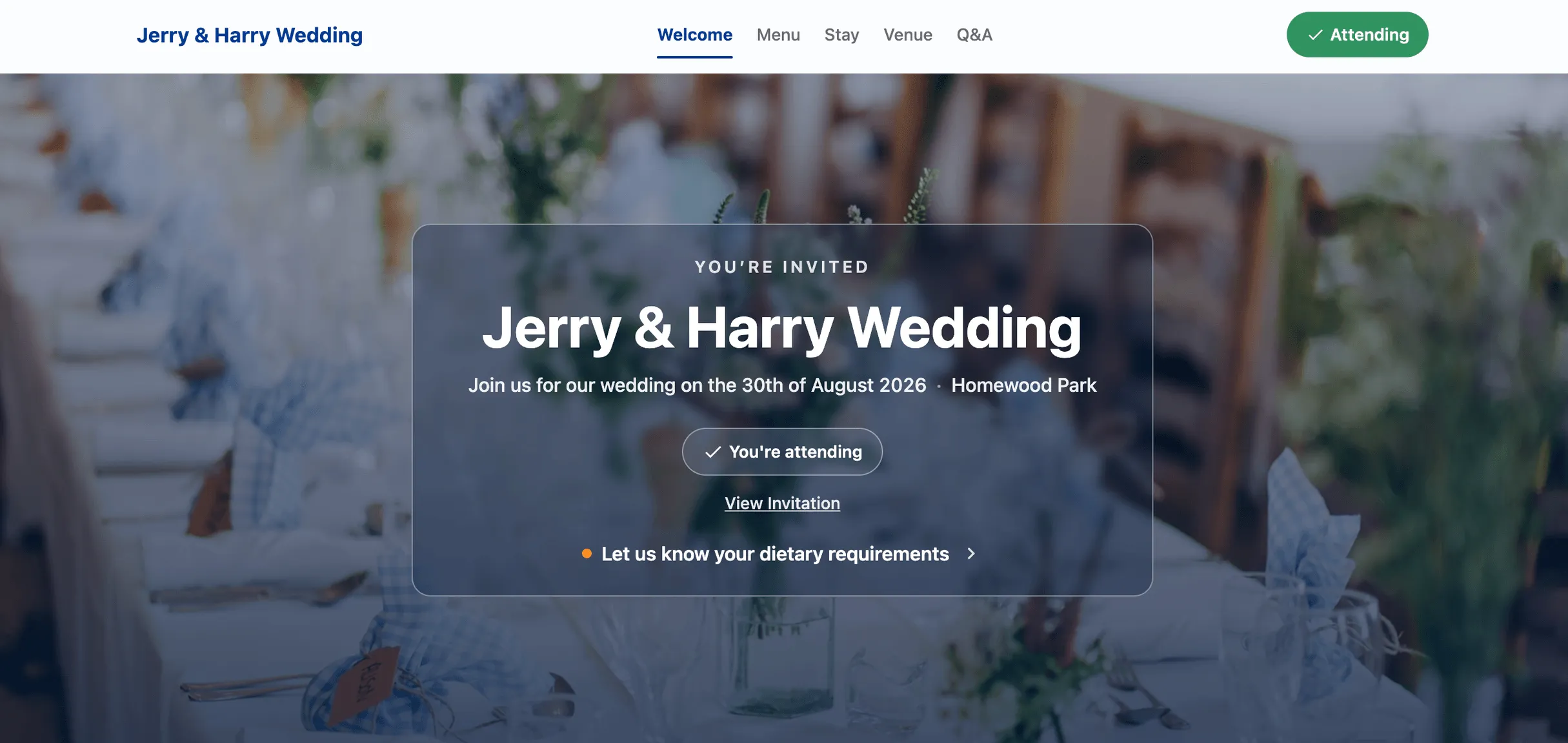
Guests are sent a link by their host or the venue. From that one link they RSVP, choose a meal, flag a dietary or an allergen, confirm a room where the venue has accommodation, and see the order of the day. There is no account to create and no password to remember.
Accept or decline, and say who is coming with you. Your host sees the response straight away, so nobody has to chase you.
Pick from the menu the venue and your host have set. Add a dietary requirement or an allergen at the same time, and it reaches the kitchen with your name and your table on it.
Where the venue has accommodation, your room appears in the same place. Depending on how your host has set it up, a room may already be assigned to you, or you may be able to choose and pay for your own.
If your host has set one up, it sits alongside everything else rather than on a separate site.
Arrival, ceremony, food, speeches, carriages. The version you see is the version the venue is working from, so it stays right as things firm up.
Guests do not have Hostology accounts, so there is no login page and no password to reset. Your link is unique to you and to your event, and it came from your host or the venue rather than from us. Three places to look:
Search your inbox for the venue's name, or for the name of the host. Check your junk and promotions folders, and search your deleted items.
Some hosts send the link by text or on WhatsApp rather than by email.
They can resend your link in a couple of clicks. This is the fastest route, and it is the only one that works if the original invitation never arrived.
If you are planning an event at a Hostology venue, your side of the platform is here: guest list, RSVPs, dietaries, room allocations, gift list and the order of the day.
For hostsIf you run a venue and you are chasing RSVPs and dietaries across a spreadsheet, an inbox and a wall planner, this is what your guests would get instead.
For venuesNo. Guests use the link in their invitation. There is no account, no password and nothing to download.
Search your email and messages for the venue or host's name, including junk and deleted items. If you cannot find it, ask your host to resend it. They can do this from their guest list.
Yes, up until the point your venue locks the event. After that, contact your host and they will pass the change on.
Yes. What you enter reaches the kitchen with your name and table number on it, rather than being retyped from an email.
It depends on how the host has set the event up. Some hosts pay for rooms as part of the event, and some open rooms for guests to book and pay for themselves. Your link will show you which applies.
Your responses are visible to your host and the venue running your event. See our privacy policy for how we handle personal data.
For venues
If your guest admin currently lives in a spreadsheet and your inbox, a demo will show you the other side of it.