

RSVP in seconds
They find their Hostology invitation, follow the link to choose a password, log in and they are good to go, with every invitation they hold in one place.
LIVE WEBINAR · 11 NOVSave your seat (opens in a new tab)
LIVE WEBINAR · 4 & 11 NOVPick your date
For hosts
Your guests do their own admin. You watch the RSVPs land, see the dietaries, drag guests around the tables, and share it all live with your venue.
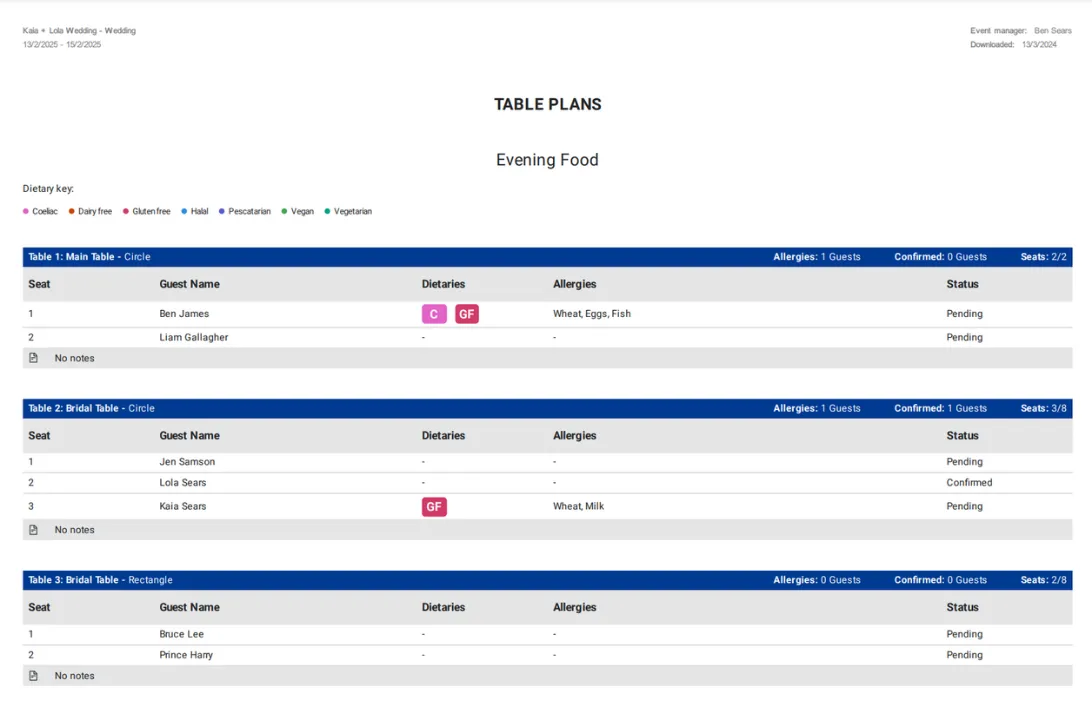
RSVPs and dietaries
On Hostology, couples share one link with every guest. Guests RSVP, add their meal choice, flag a dietary and confirm their room without creating an account. The venue sees everything live, so meal counts, allergen lists and room assignments are ready for the kitchen and the front-of-house team without last-minute chasing.
Manage your guest list, send invites by email or share a link, gather RSVPs and dietary requirements, sort the accommodation and more. You and your event team can do it all in one place.
Add your guests, then invite them in whichever way suits your day. Hostology can email each guest their own invitation, or you can share a single RSVP link, in a message, on your printed invitations, wherever your guests will see it.
Guests follow their invitation, choose a password and see everything for your event in one place. There is nothing for them to install and nothing for them to pay.
Replies land in your guest list as they arrive, so you always know who is coming without chasing anyone or reconciling two versions of the same spreadsheet.
Drag and drop, or work from the guest list. Numbers update live.
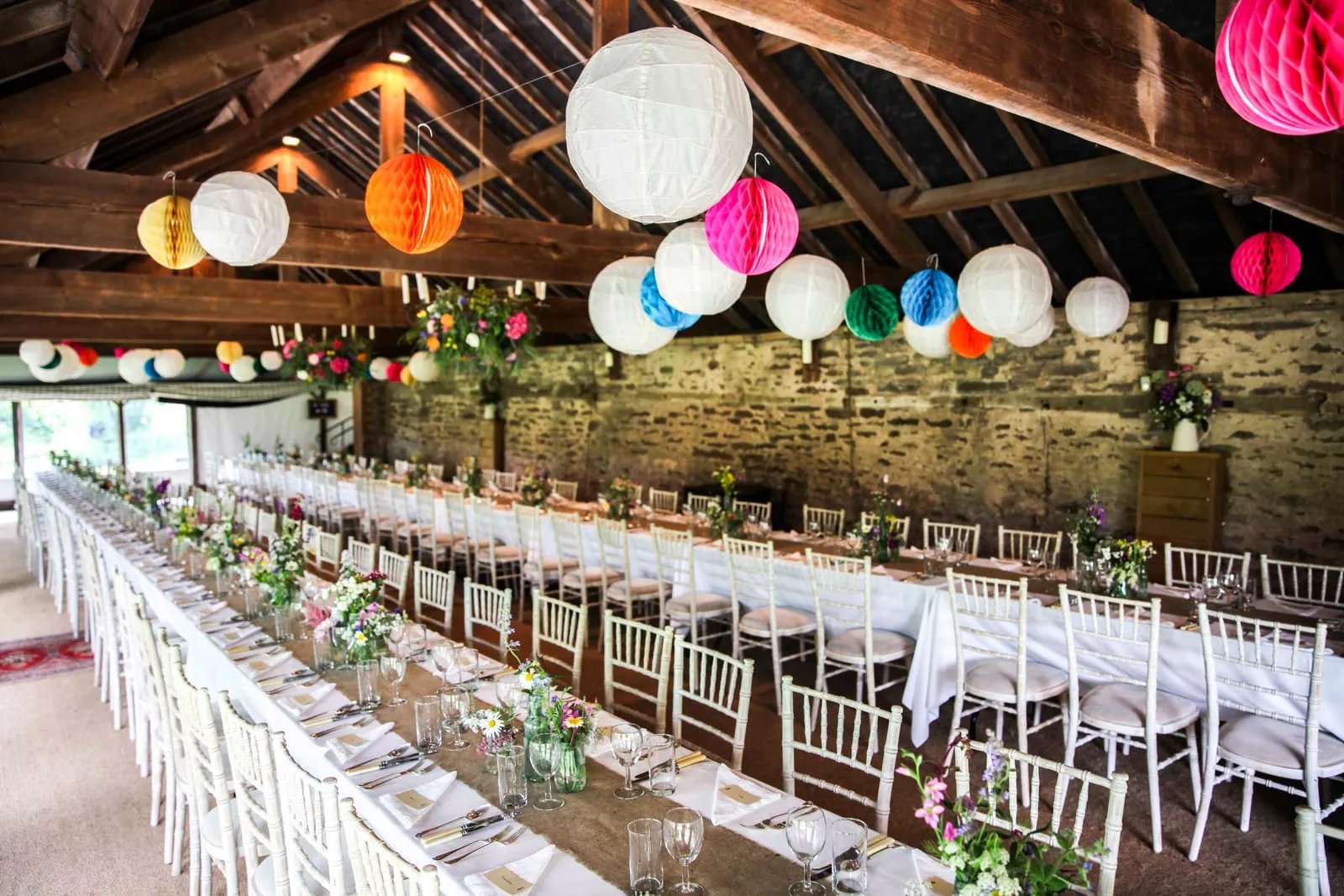
Nothing sits in a Notes column. Every flag is on the named seat.
Guests pick their meal when they RSVP and tell you about any dietary requirements or allergies at the same time, so the information arrives with the reply, rather than in a separate message three weeks later.
Every answer is recorded against the guest who gave it, so your venue and its kitchen are working from your guest list itself instead of a summary you have to keep re-sending.
Your venue sees what you see. When they say the kitchen needs the numbers by Thursday, the numbers are there.
If your venue has accommodation, you can assign rooms to the guests staying over, and guests can view, book and pay for their own rooms from the same invitation.
They can add extras or send the venue a note with a special request, and where your venue lists them there are nearby rooms and recommended B&Bs to choose from too.

Three things your guests can do from the invitation you send them, without an app to download or anything to pay.
They find their Hostology invitation, follow the link to choose a password, log in and they are good to go, with every invitation they hold in one place.
They view, select and pay for the room they want, add any special requests, and see what else is available nearby.
Link your list and guests reach it straight from their invitation, so nobody has to ask you where it is.
Log in to your planning space and start building your guest list.